
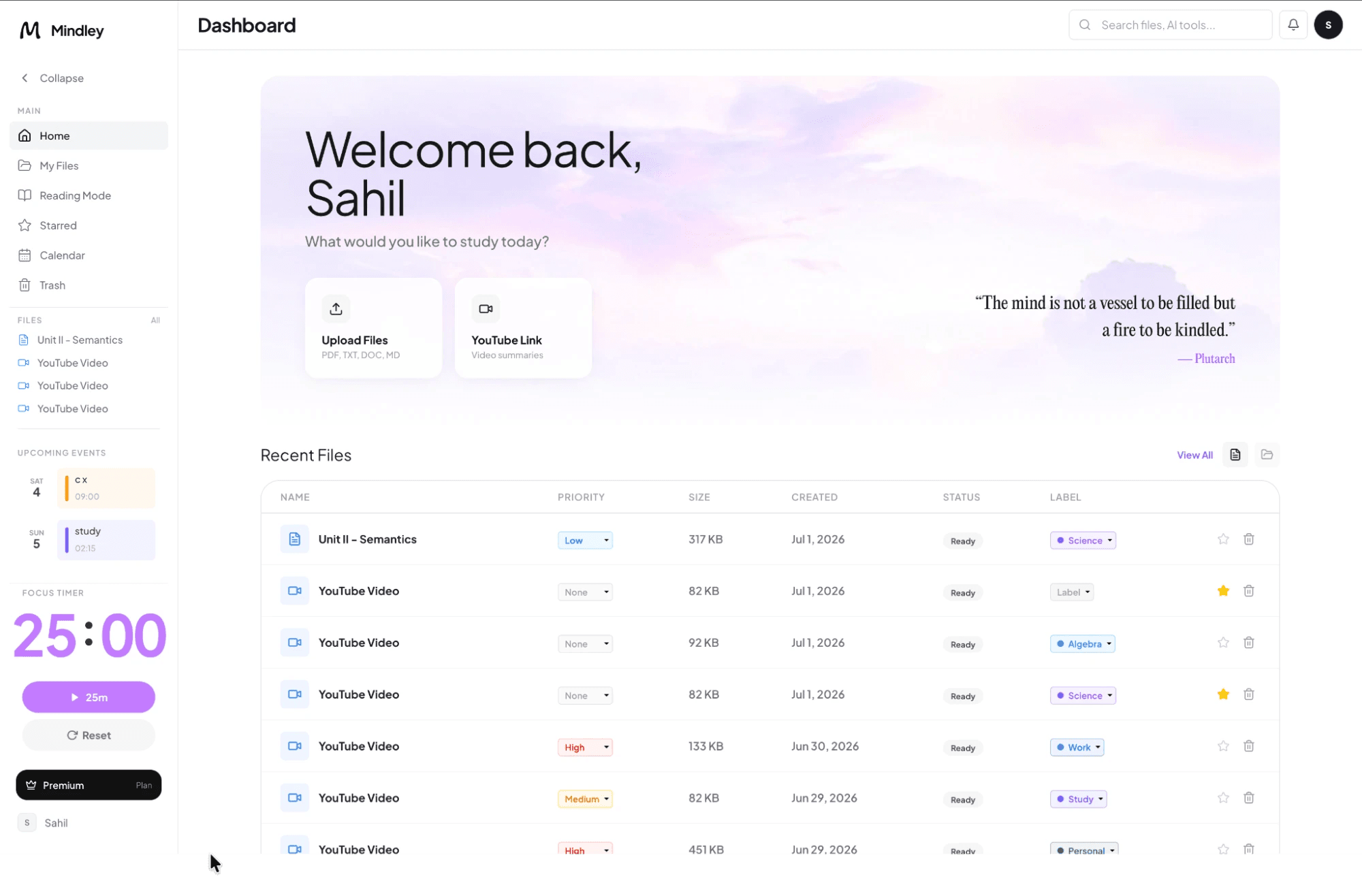
Inputs supported by the notes generator
Add PDFs, DOCX, PPTX, TXT, Markdown, supported images, pasted text, or a public YouTube lesson with an available transcript. Free accounts currently support one 10 MB study set; paid limits are shown in the app.
Structured output for revision
- Logical headings and concise explanations
- Key concepts, definitions, and relationships
- Comparison tables when the source supports them
- Editable Markdown notes saved with the study set
- Connected access to practice tools
How it works
- Mindley extracts readable source text.
- The notes pipeline plans and writes a grounded structure.
- You review, edit, highlight, save, copy, or export the result.
Useful for
Build a first revision outline from a lecture handout, reorganize a dense chapter, or prepare one source for flashcards and quizzes without uploading it repeatedly.
Accuracy and formatting limits
Scanned pages, complex layouts, handwritten content, tables, and diagrams may not extract cleanly. Generated notes can omit context or make mistakes. Compare important content with the source before studying from it.
Privacy
Notes are stored in the authenticated study set. Private file names and generated content are excluded from public metadata and sitemaps.
Frequently asked questions
Can I edit the generated notes?
Yes. The notes editor supports headings, text formatting, lists, links, color, and highlighting, with changes saved to the study set.
Can the generator read scanned PDFs?
It can attempt OCR on image-based content, but quality depends on the scan and large scanned documents may only be sampled.