
Transcript-based processing
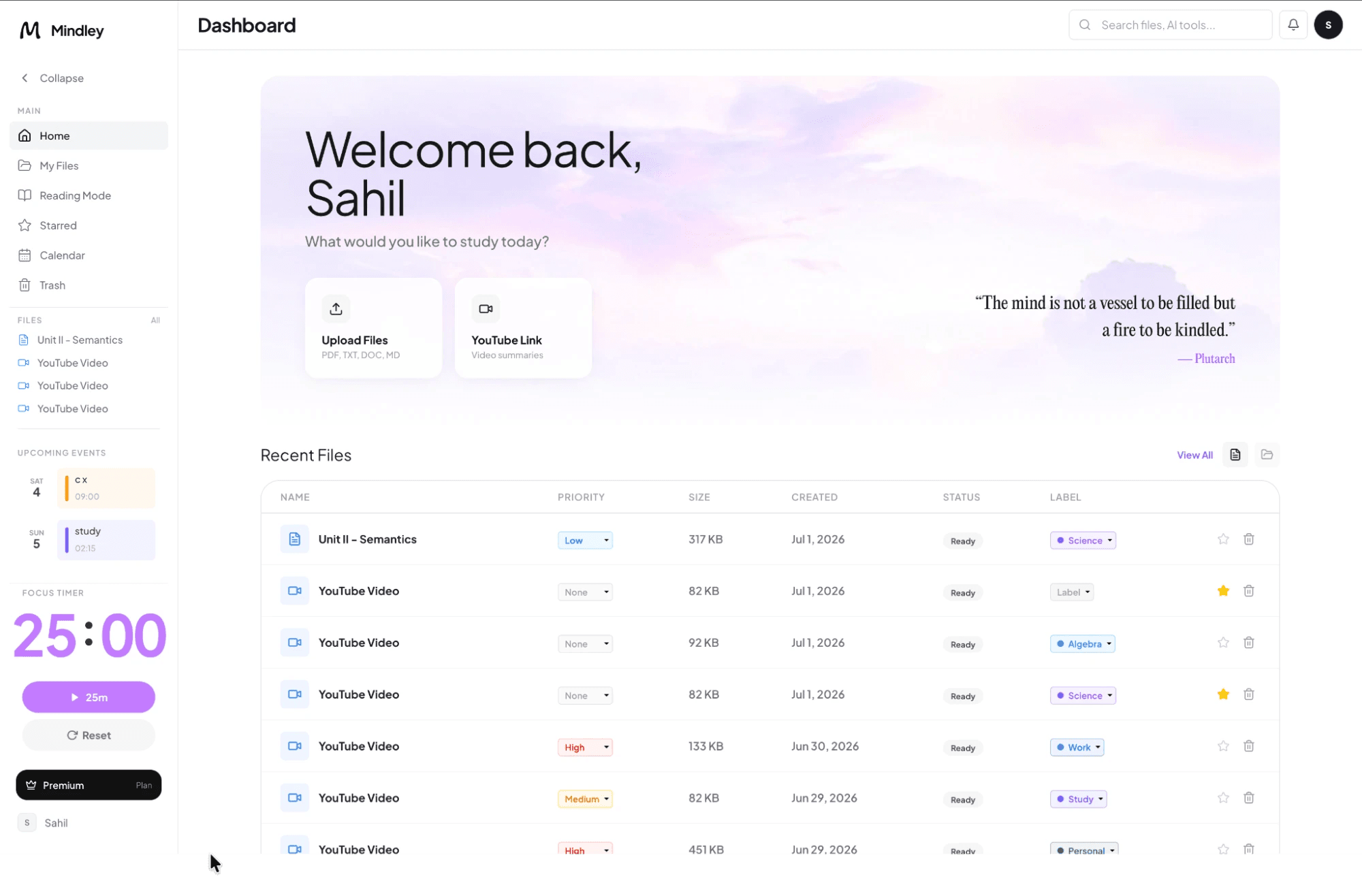
Mindley uses the video transcript rather than analyzing every visual frame. A public video must have an accessible transcript. Private, restricted, deleted, or transcript-free videos cannot be processed reliably.
How it works
- Paste a valid public YouTube URL.
- Mindley retrieves and cleans the transcript.
- The study pipeline organizes the spoken material into notes.
- Review the notes while checking visual examples in the original video.
What you can create
- Structured lesson notes
- Flashcards from key concepts
- Multiple-choice and fill-in-the-blank practice
- Written tests and mind maps
- Tutor questions grounded in the transcript
Language and accuracy
Transcript availability and language support are controlled partly by YouTube and the video publisher. Automatic captions can mishear names, formulas, specialist terms, and numbers.
Visual limitations
A transcript does not capture diagrams, code shown on screen, gestures, or unsaid labels. Keep the video open and add those details manually to the notes.
Only process videos you are permitted to use, and verify any important claim against the video and its cited sources.
Frequently asked questions
Does this work with private videos?
No. The tool needs a public, reachable video and an available transcript.
Does it understand diagrams shown in the video?
Not from the transcript alone. Visual material should be checked in the original video and added manually.